


Got it around 3 weeks back. I keep it on the study table and tap before I start in the morning. Honestly the first 2-3 days I kept picking up the phone out of habit and then remembering it's locked, which was annoying. After that it settled. I'm not going to say my hours doubled or anything but I'm not losing 40 minutes at a time to Instagram anymore. Registration in the app took one try. Would have liked a way to see how many times I tapped it in a day.
Made in India
Life happens
Offline.
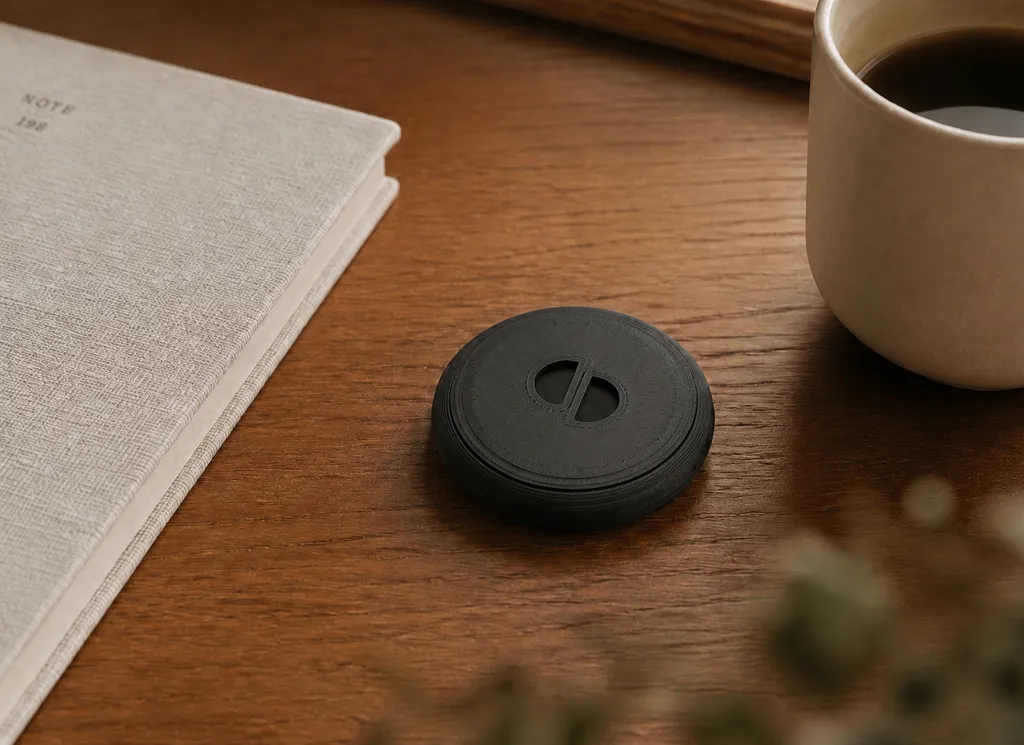
The Offline Anchor is a small disc for your desk. Tap your phone on it to lock your most distracting apps — tap again when you need them back.
One-time payment · Shipping included · Free app, iPhone & Android · 30-day returns · Cash on delivery available
How it
works
Set it up once, on the day it arrives. After that, locking your apps is a single tap.
- 01
Pick your apps
Install the free Offline app and choose what to lock — Instagram, YouTube, a game, whatever pulls hardest. You do this once.
- 02
Tap your phone on the Anchor
One tap, screen still locked, no app to open. The apps you chose stop opening. Calls, messages, maps and your alarm carry on exactly as normal.
- 03
Leave it behind
Keep the Anchor on your desk, in a drawer, by the front door. Turning your apps back on means walking to it — long enough to notice you're doing it.
OfflineChoose
- YouTube
- TikTok
- Snapchat
- Discord
Buy now
30-day returns. Cancel any time before it ships.
What makes
Offline different
Every other fix has an off switch you can reach. This one doesn’t.
- Free
Screen Time / Digital Wellbeing
There is a button on the screen that says Ignore limit. You will press it.
- Free
Deleting the app
Reinstalling takes about forty seconds, and your feed is exactly where you left it.
- Free or subscription
Blocker apps
It runs on the phone it is protecting you from, behind a password you chose.
- Free
Leaving your phone in another room
It genuinely works — right up until you need to take a call, and the exceptions begin.
- ₹1,299 once
The Offline Anchor
The switch is not on your phone. Turning it off means walking to wherever you left it.
See the detailed comparison
Including the rows where we lose.
Where it goes
Get more from every moment.
Build routines around the hours that matter.

Nights that end
Keep the Anchor outside the bedroom and tap it on the way in. The phone that comes to bed with you is just an alarm clock — the scroll that used to run past midnight has nowhere to go.
It was never a discipline problem.
- 5h 16m
average time people spend on their phone every day in 2026 — up 14% from the year before.
- 2,617
times the average person touches their phone on an ordinary day.
- 1 tap
is all it takes to dismiss a screen-time limit you set for yourself this morning. No password, no delay, nobody watching.
Android Digital Wellbeing and iOS Screen Time, as shipped
Reviews
From people
who have one.
I have tried the app timer in Android settings, Instagram's own daily limit, two or three blocker apps from the Play Store. I always turn them off eventually because it's just a button. With this the button is on my desk and I work from the sofa a lot, so I actually have to get up. That sounds stupid but it's the only thing that has worked for me. Delivery was quick (Bangalore, 4 days). Disc is smaller than I expected from the photos, which is fine.
Boards are in Feb so I got this in August. I put it on the shelf near the door of my room, phone goes there after 7. First week I was going to the shelf like 10 times a day just to check something and coming back. Now it is maybe 2-3 times. Not going to lie I still use the phone a lot in the afternoon but the evening study slot is actually study now. Setup was easy, my brother did it in 5 minutes. Only issue was that it did not detect my phone the first time and I had to turn NFC on in settings.
Ordered on a Tuesday, got it Saturday. Setup: install app, pick apps, tap disc once to register. That's it. I had a paid blocker app from the Play Store before this and cancelled it after a month, this is one payment so there's nothing to cancel. Main change for me is nights, I keep the disc in the hall and the phone locked from 10.30. Sleeping earlier. Only note is it asked me to re-enable accessibility permission once after a phone update.
WFH 3 days a week and I was losing the whole afternoon to reels without noticing. Disc is next to the router now, phone gets locked at 2 after lunch and I unlock at 6. Between that it's a boring phone, calls and WhatsApp still work. Two things: the app asks for accessibility permission which felt a bit much at first, and I wish it came in a lighter colour. Otherwise doing what it says.
Have one already?
A line about how it’s going — good or bad — helps the next person decide. We add reviews here as written, first name only.
Send yours on WhatsApp“Using it since July for JEE prep. Phone stays on the other table now, that's it, that's the review.”
Farhan, JEE dropper, Kota
“Was worried calls would get blocked. They don't, only the apps you pick.”
Divya, Analyst, Gurugram
“Took the 2 pack, one is with my brother in Kota. He says it's working, I can't verify.”
Rahul, Hostel, IIT Bombay
“Kaam karta hai. Bas itna hai ki uthke jaana padta hai unlock karne, wahi point hai.”
Ishita, UPSC aspirant, Delhi
“Mock test scores went up a bit. Could be the disc, could be that I finally started studying. Either way it helped.”
Tanvi, CAT aspirant, Indore
“Hostel wifi is bad anyway so blocking was easy, lol. Still, the tap thing makes it feel like a decision.”
Sahil, Hostel, Manipal
“Nothing fancy. Tap, phone locked, get up to unlock. That is the entire product and it works.”
Deepak, Chartered accountant, Nagpur
“Placement season mein liya tha. Reels wala time ab case prep mein ja raha hai, mostly.”
Aditya, MBA, Hyderabad
A switch you can
actually touch.
The Offline Anchor is a small disc. Keep it by your bed, on your desk, or by the front door — wherever you want a line between you and your phone.
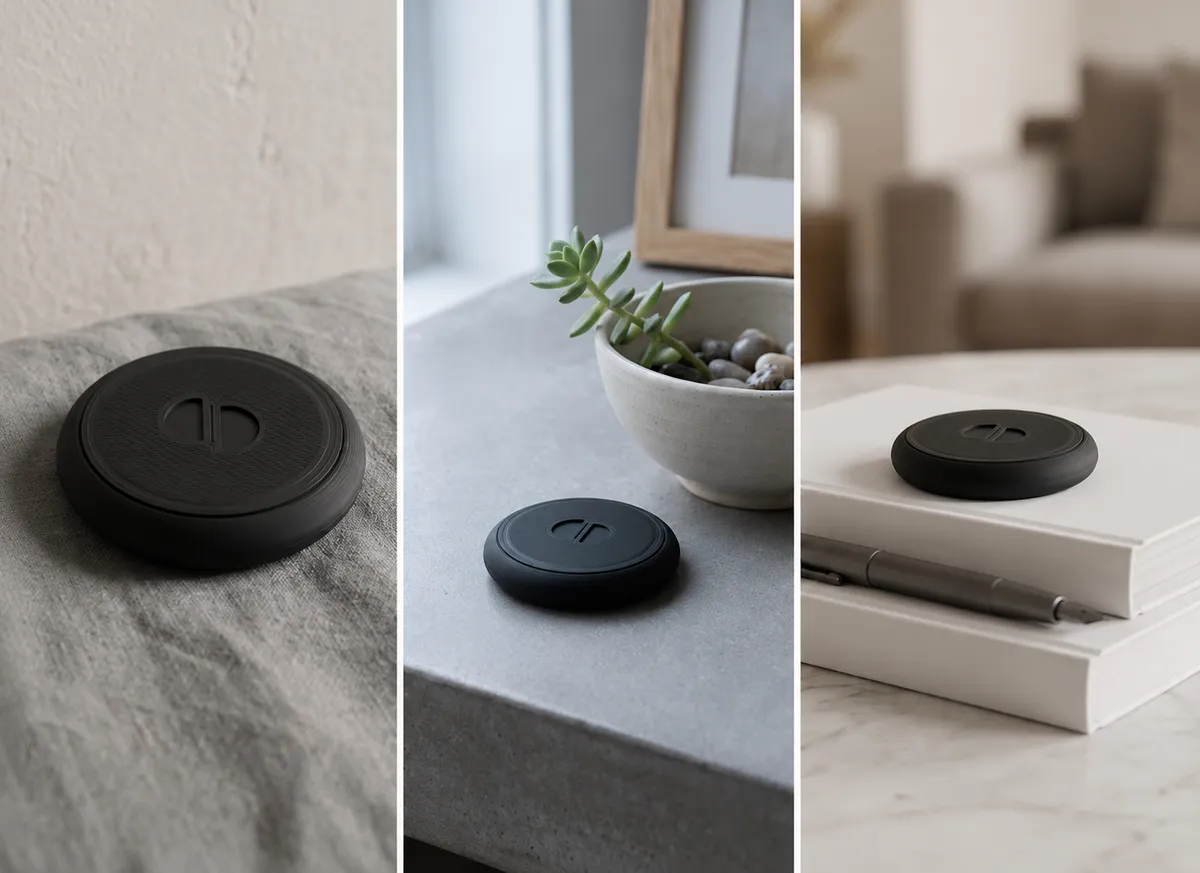
Tap your phone to it and the apps you chose are locked behind a blocking screen. Tap it again when you genuinely need them back. It isn’t a timer you can wait out, and it isn’t an app you can talk yourself into deleting at 1am — it’s an object, in a place, that you have to physically go to.
The Offline app is free — download it on the App Store or Google Play, choose your apps, and turn protection on and off from inside it for nothing. What you’re buying is the part software can’t be: a toggle you can’t reach from the sofa. You pay for the Anchor once, and the price includes delivery. There is no subscription and nothing renews.
Offline Anchor
₹1,299
One-time · Bundles of 2 and 3 cost less each
- One Offline Anchor, ready to register
- The Offline app for iPhone and Android — free to install, yours to keep
- Delivery anywhere in India, included in the price
- Free app updates, for as long as you have the Anchor
- Works with
- iPhone and Android — see the FAQ below
- How it works
- Tap to lock your apps, tap again to unlock
- Setup
- Register once in the Offline app
- Ships
- Across India, free — no delivery charge
- Payment
- One-time. No subscription, no renewal
- Returns
- 30 days from delivery
- Guarantee
- 2-year replacement, on the Anchor itself
We’ll email you tracking the moment it ships.
Changed your mind before it ships? Cancel any time before dispatch for a full refund. After delivery you have 30 days — see the returns policy.
Why I built this
This started as my own problem. I was losing hours a day to my phone without deciding to, and once I started paying attention I saw the same thing in almost everyone around me — friends, family, people who genuinely wanted it to be different.
I tried the usual fixes. Screen Time limits, app blockers, deleting apps, leaving the phone in another room. Each one held for about a week, and then I’d tap past the limit, reinstall the app, or make an exception “just this once.” The off switch was always right there on the same phone I was trying to put down.
After a lot of reading and a lot of false starts, the thing that finally worked was physical friction — putting the switch somewhere I had to get up and walk to. That one idea is the whole product. The Anchor is a small disc you leave in a specific place; turning your apps back on means going to it.
I read every message that comes in. If you try Offline and it doesn’t earn its place on your desk, tell me directly at support@stayoffline.tech — it reaches me.
— Akhil, Offline
Before you order.
Why is it so much cheaper than the others?
Because it's made here and sold here — no import duty, no international shipping, no currency conversion. The Anchor itself is a simple passive disc; the honest answer is that this is what one should cost.
When will my Anchor arrive?
Within 1 week of ordering, anywhere in India. You'll get an order confirmation straight away, and a second email with tracking the moment it ships.
Which phones does it work with?
iPhone, and Android phones with NFC (turn NFC on in Settings). On iPhone, the Anchor is read inside the Offline app — and a one-time Shortcuts automation, which the app walks you through, lets you tap it from the Lock Screen or any app.
Is there a subscription?
No, and there never will be. You pay for the Anchor once — that single payment is the whole cost, delivery included — and nothing renews, so there is no subscription to cancel later. The Offline app itself is free to install, on iPhone and Android.
If the app is free, what am I paying for?
The object. The app can turn protection on and off from your home screen for nothing, which is exactly the problem — a toggle you can reach in two seconds is a toggle you can talk yourself out of. The Anchor puts that switch in a specific place you have to physically walk to. You're buying the friction, not the software.
Do I pay extra for shipping?
No. The price you see includes delivery anywhere in India — there is no shipping charge added at checkout, and no customs or handling fee to follow.
What if I change my mind?
Cancel any time before your Anchor ships and we refund the full amount — nothing has left our hands yet. After it arrives you have 30 days: email us to request a return, send the Anchor back, and we start the refund within 7 days of checking it over. The returns policy has the full detail.
How does it actually stop me opening an app?
You choose which apps to protect. When protection is on and you open one of them, Offline shows a blocking screen instead — a pause before the scroll starts again. It's a deliberate speed bump, not a lock you can't undo: tapping your Anchor again turns protection off.
What if I lose the Anchor or it stops working?
You can always control protection from inside the Offline app, so you're never locked out. You can re-register or replace your Anchor from the app's settings.
Is the Anchor guaranteed?
Yes — for 2 years from delivery. It's a passive disc with no battery and no moving parts, so there's very little in it to fail, and if yours stops being readable through no fault of its own we'll replace it. Email us with your order number and we'll sort it out. The guarantee covers the Anchor itself, not accidental damage or loss.
What does Offline do with my data?
Your Anchor registration is stored locally on your device. We don't read your messages, and we don't send the names of your apps to the cloud. See the Privacy Policy for the full detail.
How do I pay, and is it secure?
Payment is handled by Razorpay, which supports UPI, cards, net banking and wallets. Your card details go to Razorpay directly — we never see or store them.
Something else on your mind? Email us — a person reads it.
Life happens
Offline.
Get your Offline Anchor — ₹1,299, delivered free across India. Bundles of two and three cost less each.
Buy now
One-time payment · Shipping included · Free app, iPhone & Android · 30-day returns · Cash on delivery available